By clicking “Accept”, you agree to the storing of cookies on your device to enhance site navigation, analyze site usage, and assist in our marketing efforts. View our Privacy Policy for more information.

Scan to download
Scan to get started
Scan this code with your phone’s camera to download Till Financial. Available for free on the iOS and Google Play stores.
Debit Card for Kids

Good money habits start here

Till is a debit card and family money app for kids and teens to earn, save, and spend smarter.

A QR code that when scanned opens up the app store to download the Till app
Scan to download Till

Available on both iOS and Android app stores
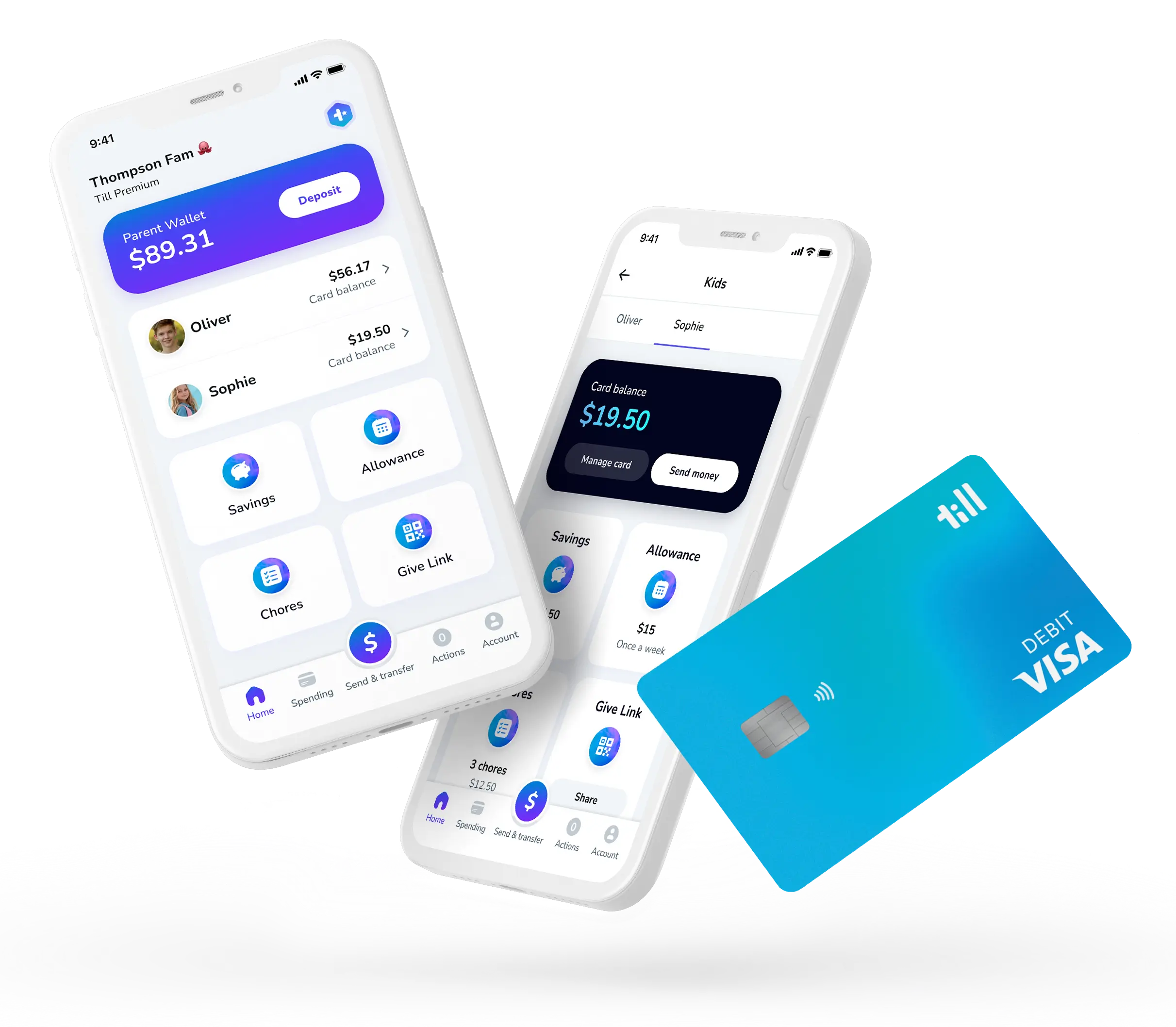
Two phones and a debit card. One phone shows the parent version of the Till app, they can see their kids' card balances and buttons for features like Savings Goals, Allowance, Chores, and Give Link. Plus a giant button to send money to kids. The kid version of the app has buttons to the same features and shows their card balance.

As seen in

4.8 out of 5 stars

Rated 4.8 stars by Till families*

*Ratings reflect Till app ratings on the Apple App Store® as of June 2026. App Store® is a registered trademark of Apple Inc.

Till is free.
No minimums.
No overdraft fees.
No subscription fees.

Till Financial provides the best debit card for kids, supporting safe and secure banking for teens at no cost to your family.
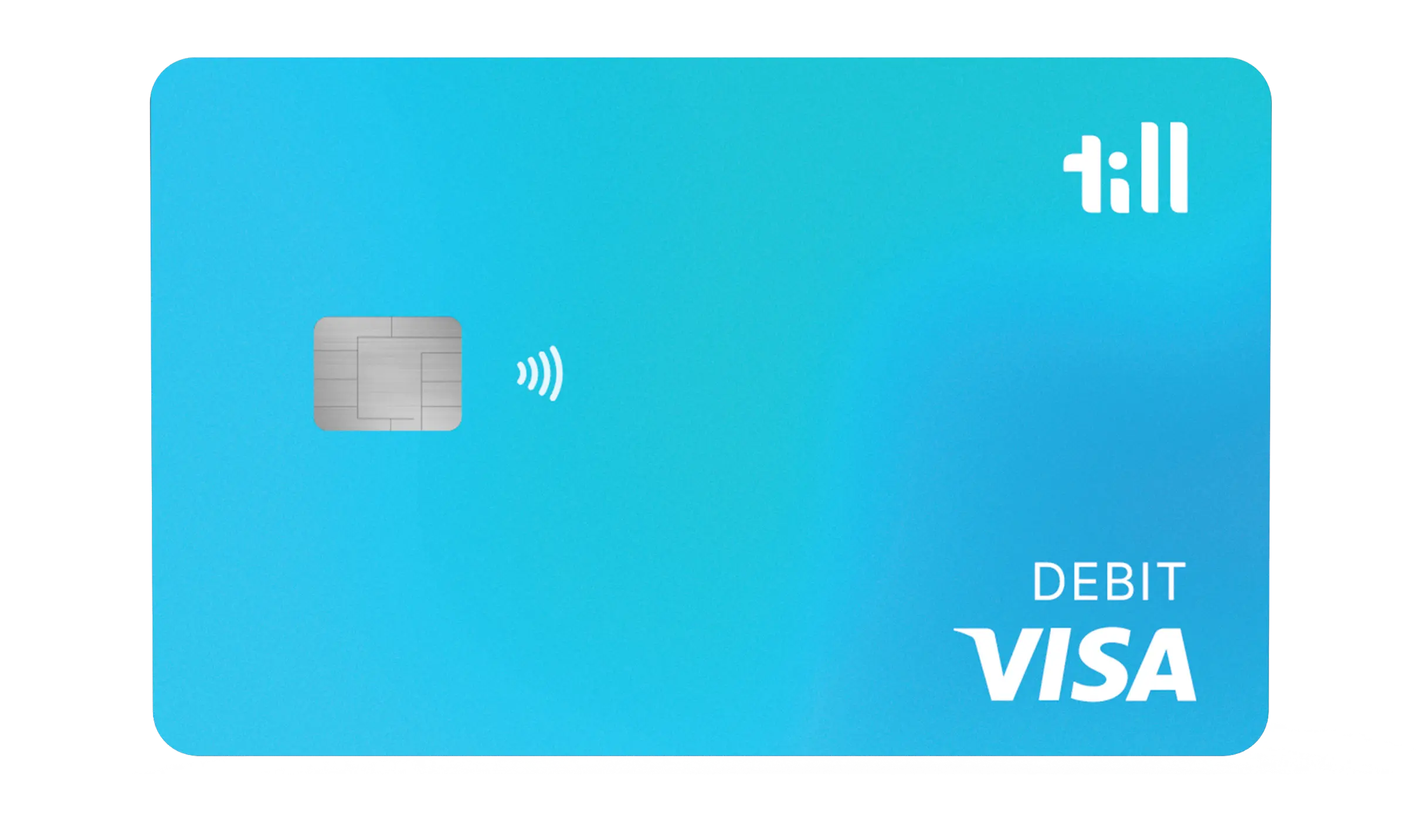
An image of a debit card. It's a debit card for kids and teens, it has the Till logo in the top right, a VISA logo in the bottom right, and the background is a green, blue, and teal gradient swirl.
Made for families

Till is a family money app with a debit card for kids and teens. Kids can earn through chores, save toward goals, and spend their own money. Parents set the guardrails and see everything. It’s made for the whole family, so grandparents, relatives, and anyone you invite can be part of it too.

First allowance to first paycheck

Tools built to work at every age, all in one shared family app

Allowance

Set a schedule and Till pays it out automatically, every time
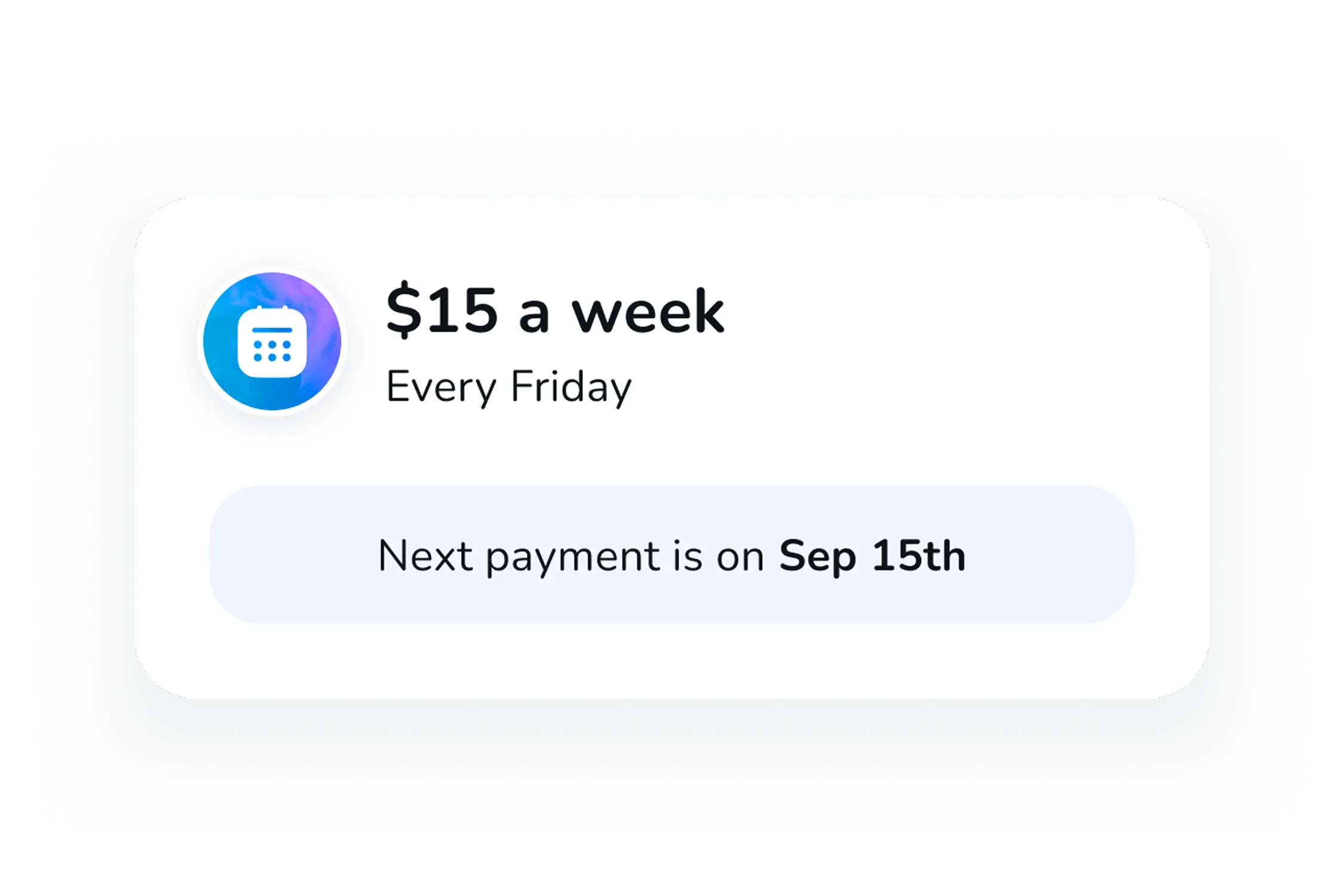
A UI component showing an automated allowance of $15 that will be paid out once a week on Fridays.
Chores

Assign chores, decide what each one is worth, and approve when they're done
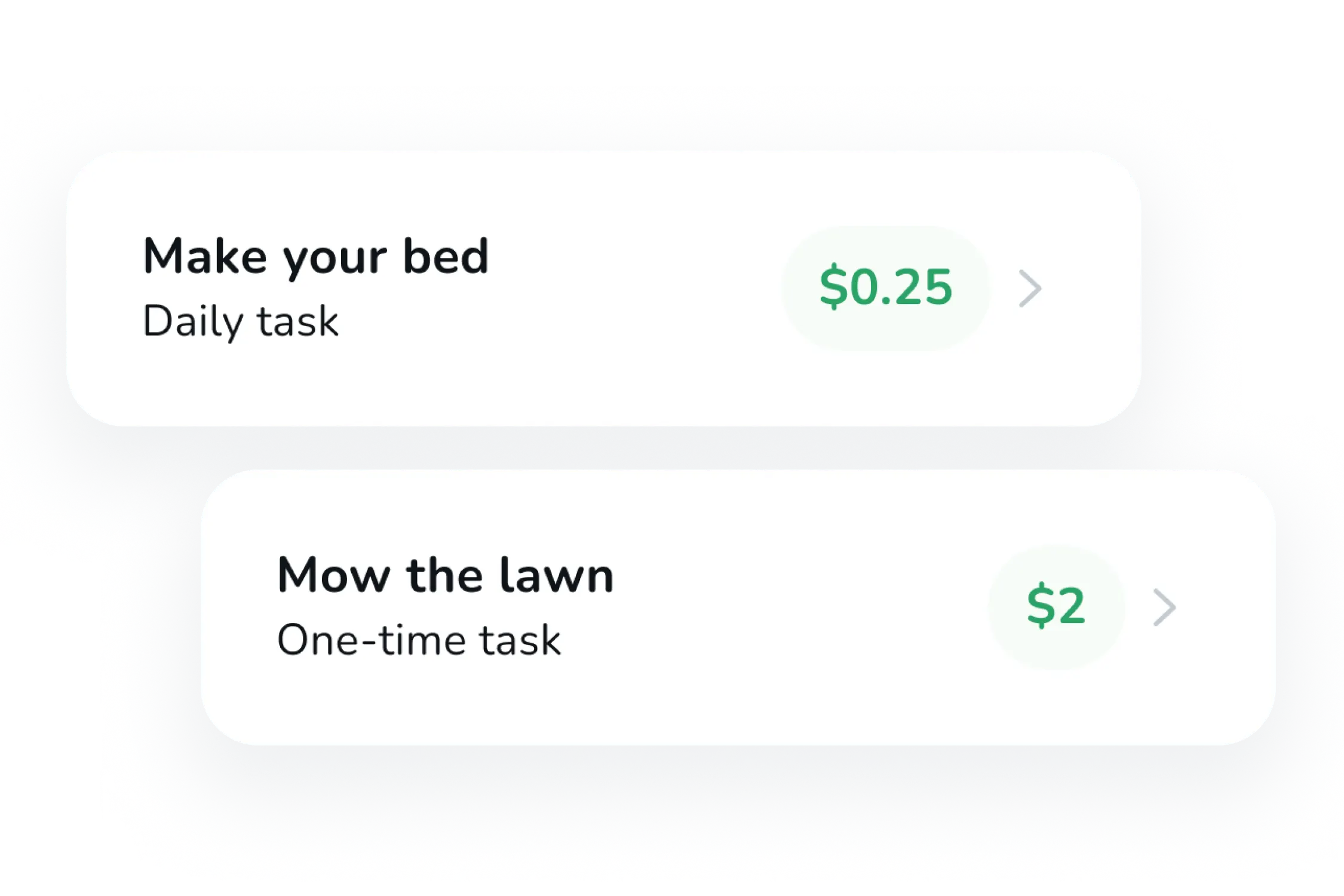
UI components showing chores that are available for a kid to complete. The kid will earn money once completed
Savings goals

Contribute, match what they save, or set your own interest rate* to help them get there faster
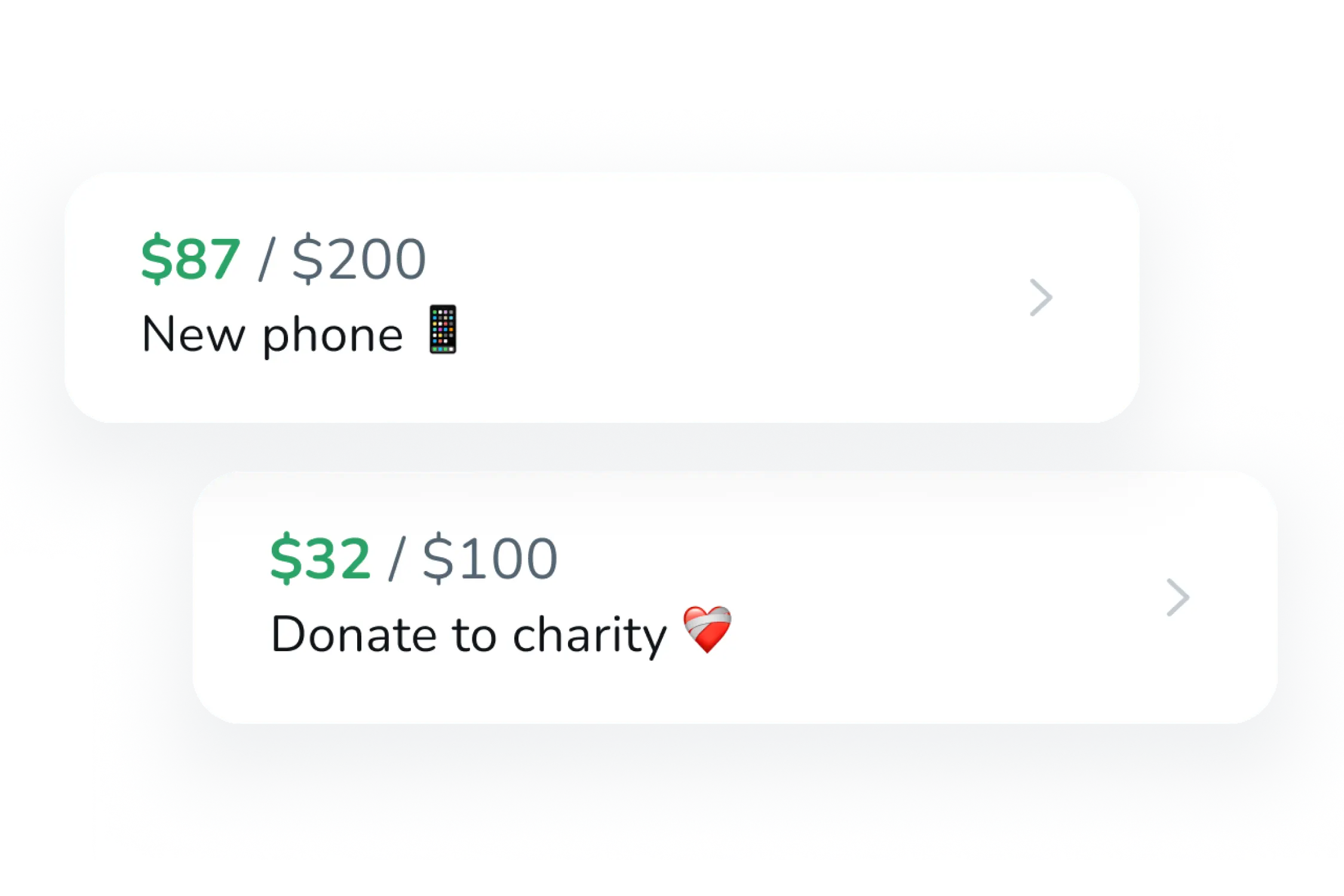
A UI component of 2 savings goals, one for a new phone and the other for donating money to charity.
Spend controls

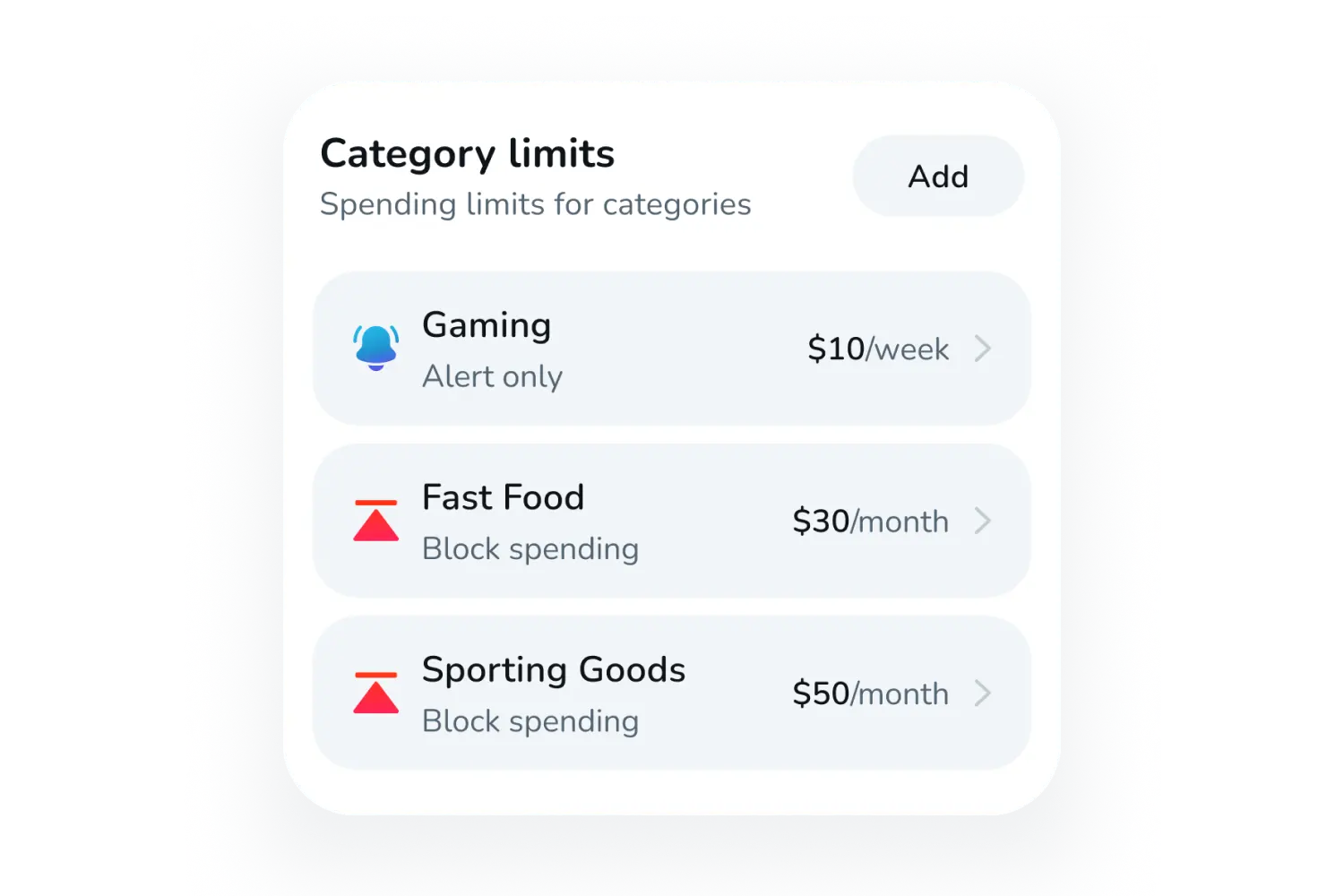
Block specific stores, set limits on certain spending categories, or lock the card temporarily 
Real-time alerts

Every time your kid uses their card, you get notified

A UI component showing a spending transaction
Give Link

Grandparents or relatives can send money for birthdays, holidays, or just because

A UI component showing that a relative sent money to a kids Till debit card
*"Interest rate" refers to a parent-set transfer rate to encourage saving and is not interest in any legal sense. Till and Coastal Community Bank do not pay interest. For full details on this feature, please see Till’s Terms of Service.

Getting started is easy

*Account opening is subject to identity verification and other applicable screening requirements.

$7.99/month. Everything included.**

A Till Premium subscription covers your whole family (up to 5 kids). No surprises.

Prefer to pay once? $79/year — save 17%.
A screenshot of the Till mobile application showing a parent typing in the amount they are going to send to a kids debit card

Premium perks

A blue and teal gradient checkmark

1% cash back on up to $300/mo per child1

A blue and teal gradient checkmark

2% save rewards on savings balances2

A blue and teal gradient checkmark

Visa® debit cards for up to 5 kids

A blue and teal gradient checkmark

Direct deposit up to 2 days early3

A screenshot of the Till mobile application showing a parent typing in the amount they are going to send to a kids debit card

No hidden fees

A blue and teal gradient checkmark

No overdraft fees

A blue and teal gradient checkmark

No minimum balance

A blue and teal gradient checkmark

No deposit fees4

A blue and teal gradient checkmark

No foreign transaction fees5

How Till works

A collaborative experience between kids and parents

Seamless money transfers

Skip the ATM and send money directly to your kids' Till card at any time.
Savings goals

Set custom savings goals, from souvenirs to long-term savings.

A UI component showing a couple of savings goals that a kid created for an upcoming trip
Allowance, chores & tasks

Set up recurring allowance, assign chores, and create one-time tasks.

A UI component showing the ability for a parent to set up and manage allowance
Spending alerts

Get instant notifications for all transactions, transfers, and more.

A UI component showing a spending transaction
Physical & virtual cards

Kids can add their Till debit card to Apple Wallet or Google Pay.
Fundraising with Give Link

Share a secure link that lets friends and family contribute to trip savings goals.

A UI component showing that a relative sent money to a kids Till debit card
Till builds smarter spenders

Till helps kids build smart money habits by combining the best debit card for kids with an intuitive family banking app. Parents stay in control while kids learn financial independence through guided, real-world experience.

Your family is protected

Your kid's Visa debit card comes with bank-level security, including FDIC-insured accounts and advanced fraud monitoring.

A large illustration of a padlock

FDIC-insured

Funds are insured up to $250,000 per depositor through Coastal Community Bank, Member FDIC.6

A large illustration of a blank debit card and a shield with a checkmark on it

Visa Zero Liability

If an unauthorized charge happens on your kid’s card, you’re not on the hook for it.7

A large illustration of mobile app control toggles

24/7 Fraud Monitoring

We’re always watching for suspicious activity, catching potential problems before they reach your account.

A large illustration of mobile app control toggles

Instant Card Lock

Something look wrong? Lock any card instantly from the app. Unlock it just as fast.

By clicking “Accept”, you agree to the storing of cookies on your device to enhance site navigation, analyze site usage, and assist in our marketing efforts. View our Privacy Policy for more information.

By clicking “Accept”, you agree to the storing of cookies on your device to enhance site navigation, analyze site usage, and assist in our marketing efforts. View our Privacy Policy for more information.